CloudRedirect Documentation
🛠️ Configuration
- Open CloudRedirect or click Launch from SUO ➜ Tools.
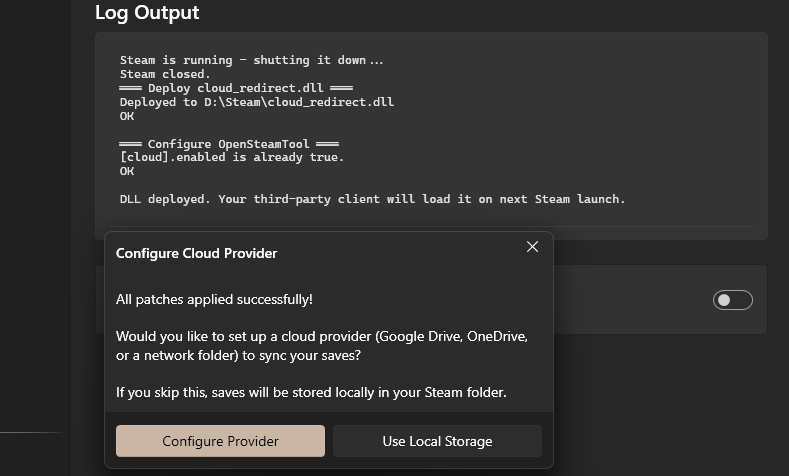
- Go to Setup and click "Deploy DLL".
- Click Configuration Provider ➜ Enable on the popup.
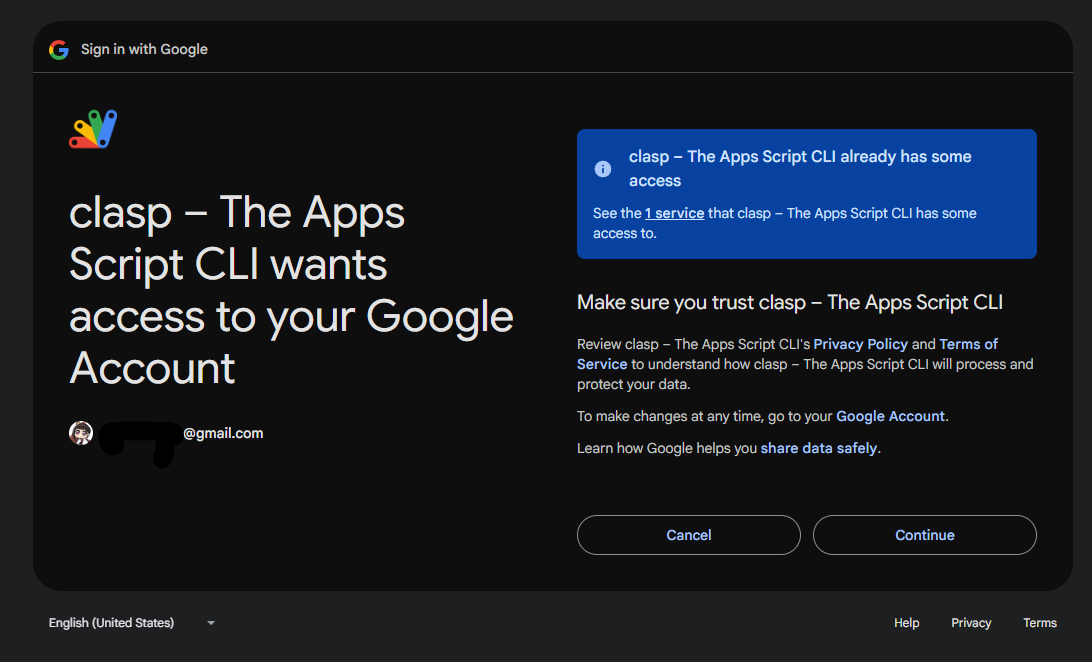
- Select Provider Google Drive then click Sign In.
- Select/Login to your Account, then click Continue
Troubleshooting
If you are unable to click the patch button, go to [SUO > Tools > Reinstall Steam], then attempt to run the patch again.